
You can move a Case from the current clinic to another clinic directly from the Case view page.
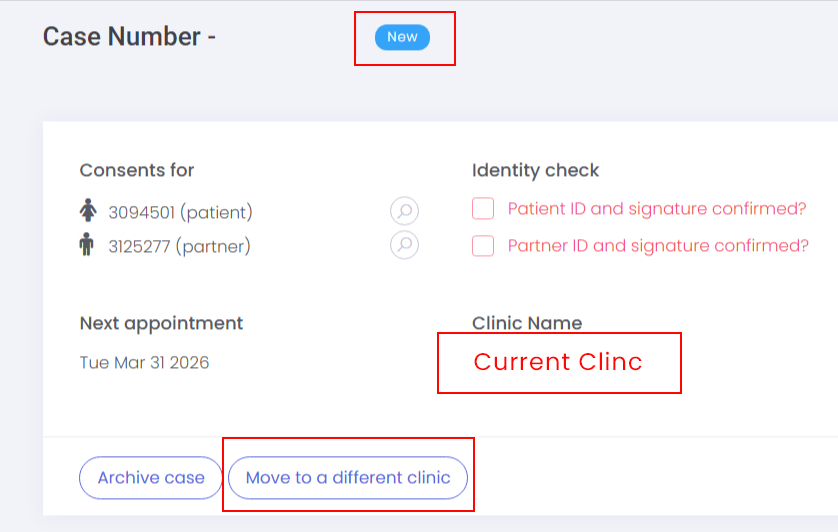
This will only work for NEW cases as there has been no patient activity.
Select Move to a different clinic on the Case view:
Choose the destination clinic from the dropdown and click Next:
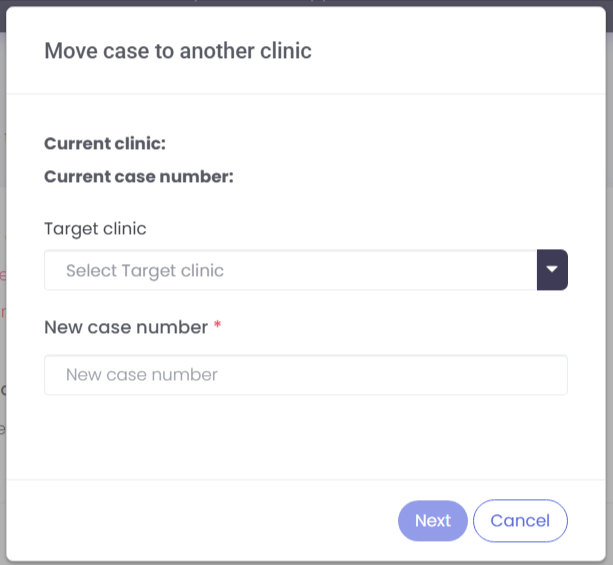
Once confirmed, the Case is moved and a confirmation message is shown.
All moves are recorded in the audit log of the moved case, the original case is removed from the system.